No separate tools to buy in order to grow
Automations, campaign tools and growth support are included in your plan.
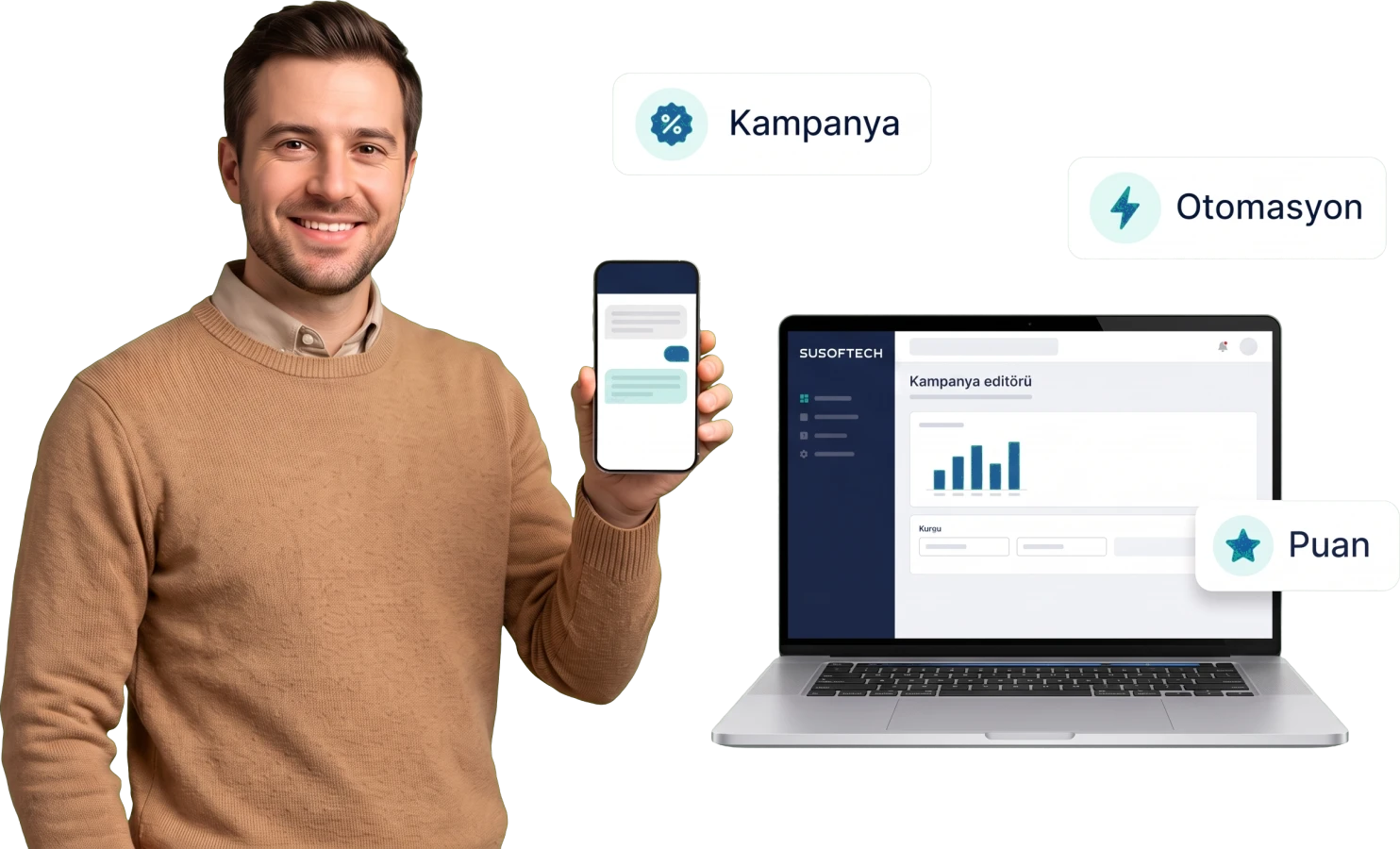
The tools that grow sales
They all come inside your plan; you buy no separate tool and set up no integration. What each one does is set out on its own page.
SEO Tools
Title and description templates, the sitemap, automatic redirects when an address changes and structured data — the panel takes on the search-engine work.
Go to the detail page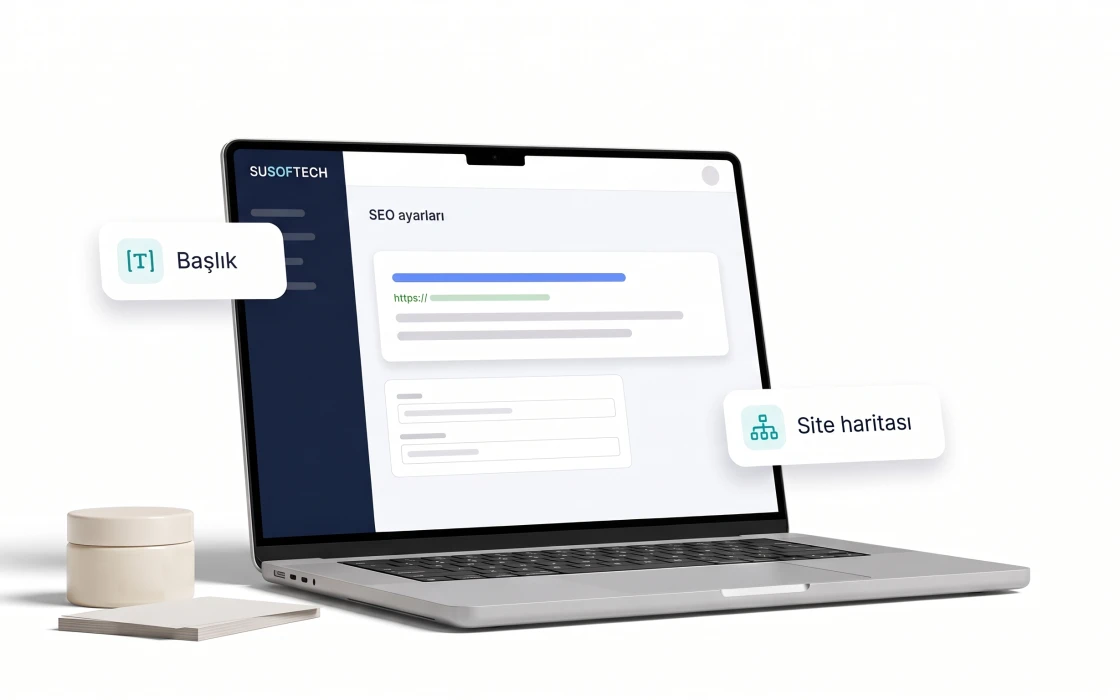
Email, SMS and WhatsApp Automations
A reminder to someone who left a basket, a notice to someone whose order arrived — one flow, three channels. Sends, opens and clicks are counted in the panel.
Go to the detail page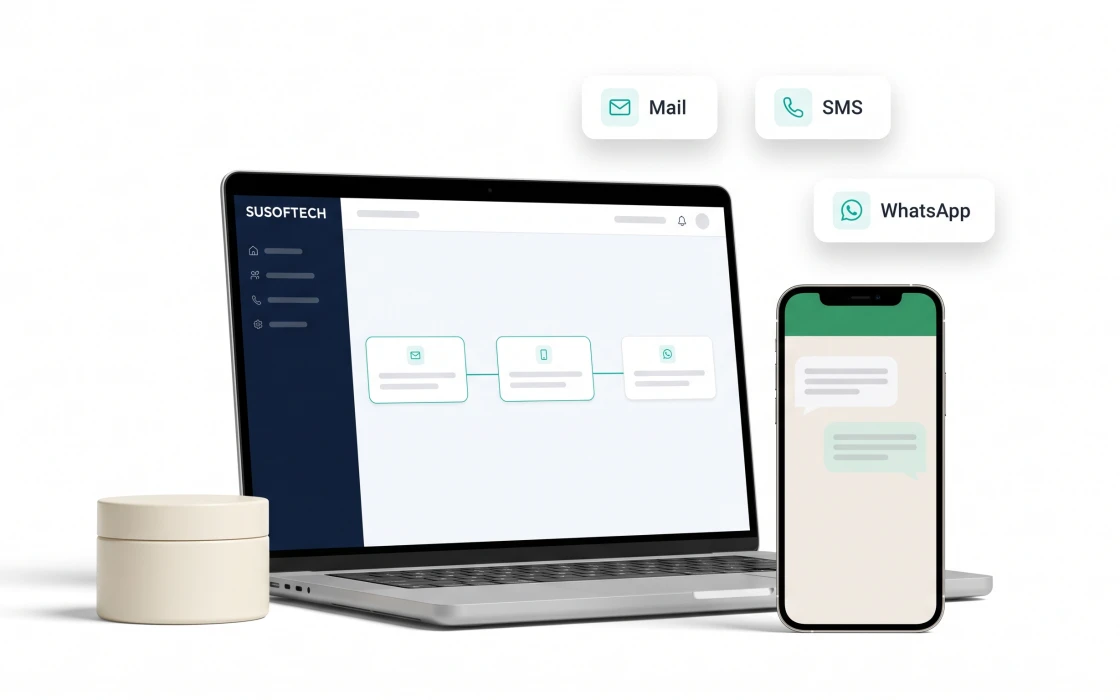
Popups and Newsletter
You set how many seconds before the message appears, how often the same visitor sees it and the dates it stays live — all from the panel. Sign-ups collect in one searchable list, and unsubscribing takes a single step.
Go to the detail page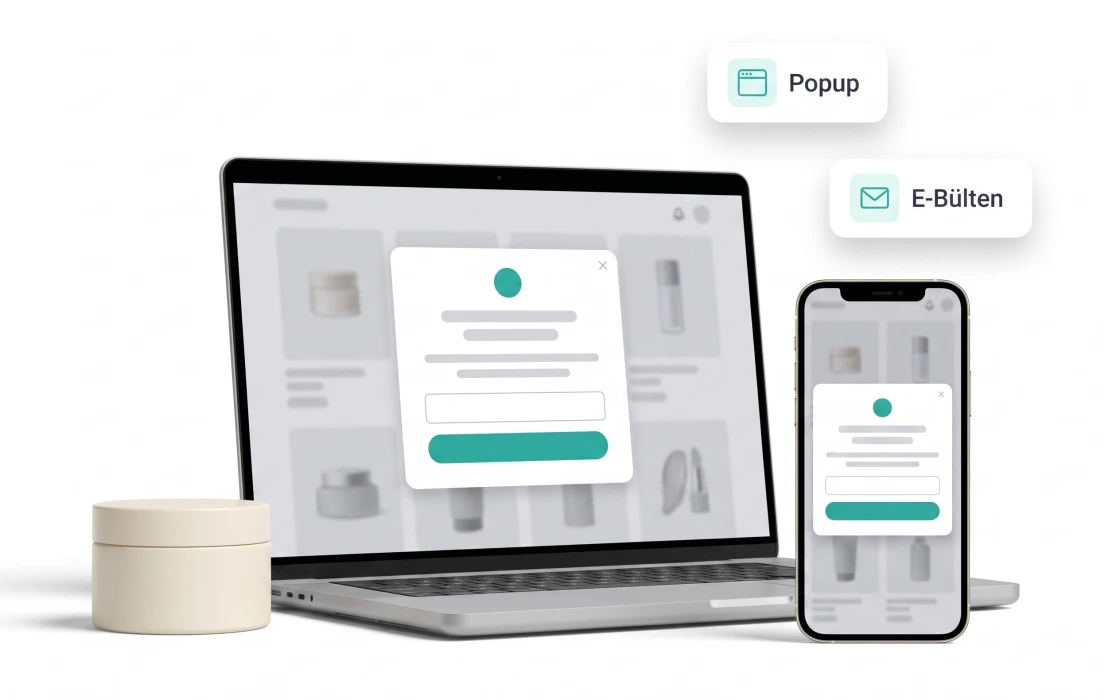
Campaign and Coupon Tools
You build the discount, coupon and gift setups yourself; campaign and coupon each drop as their own basket line, and what each one cost is recorded.
Go to the detail page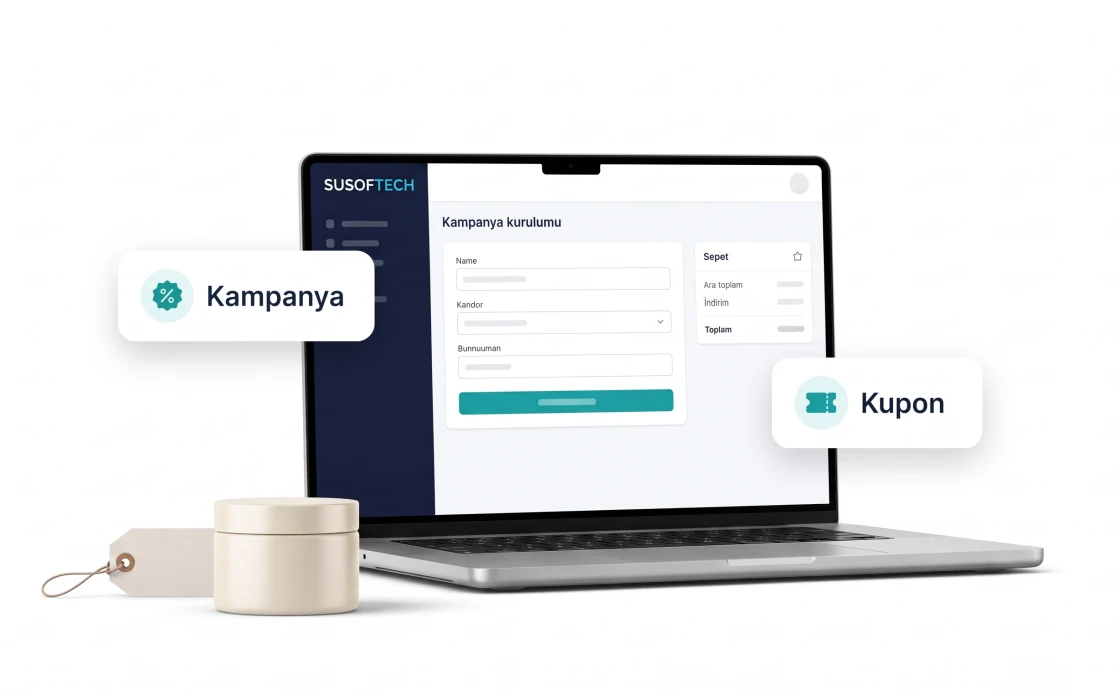
Upsell and Cross-sell
A complementary product or a higher model appears next to what is already in the basket. How often the offer was shown and accepted is counted separately.
Go to the detail page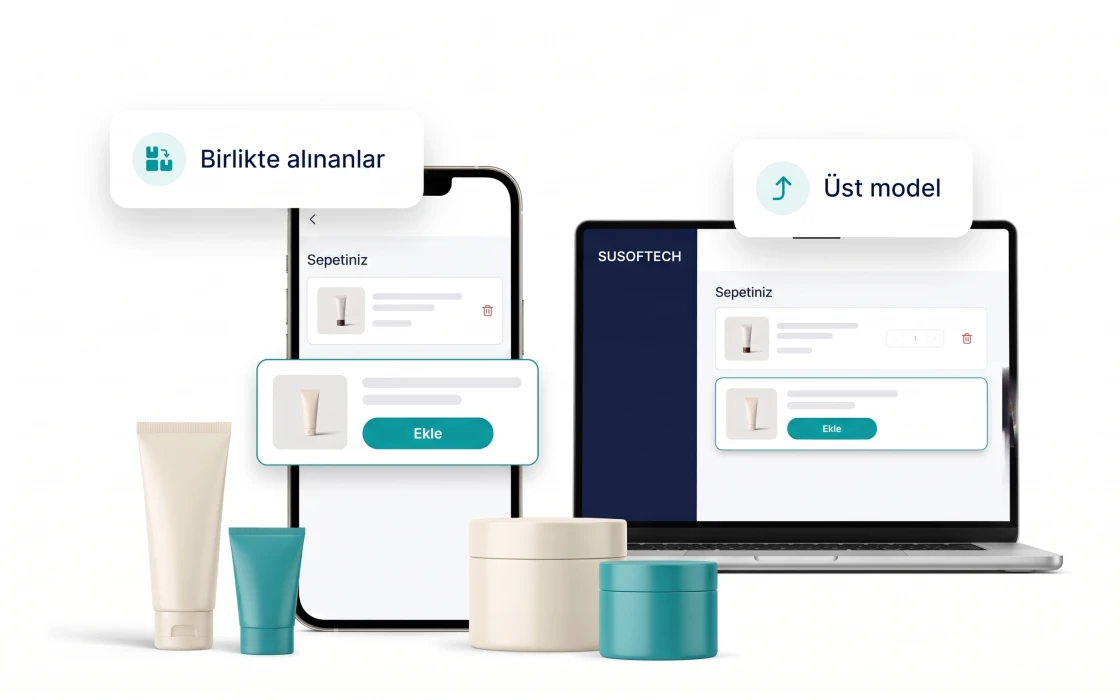
Influencer Partnerships
You open a percentage-based offer from the panel, and whoever accepts gets a code and tracking link automatically. Who brought how many orders and how much revenue is worked out.
Go to the detail page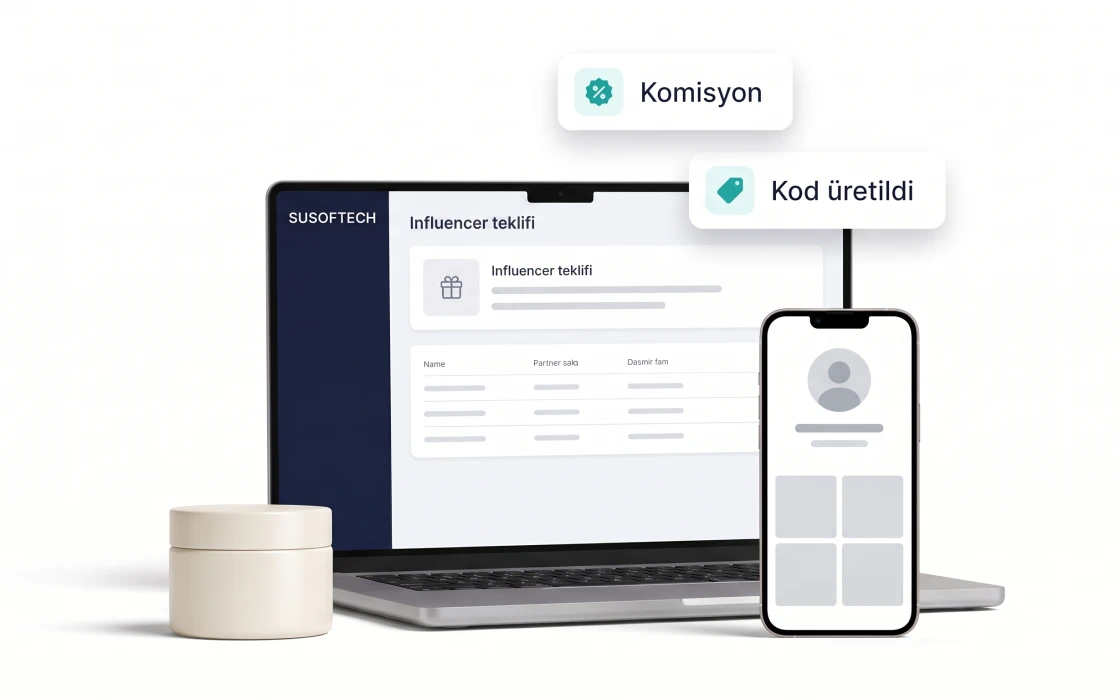
Loyalty Points
A delivered order earns the customer points that can only be spent with you, within the window you set. The cost of that discount reaches the profit report.
Go to the detail page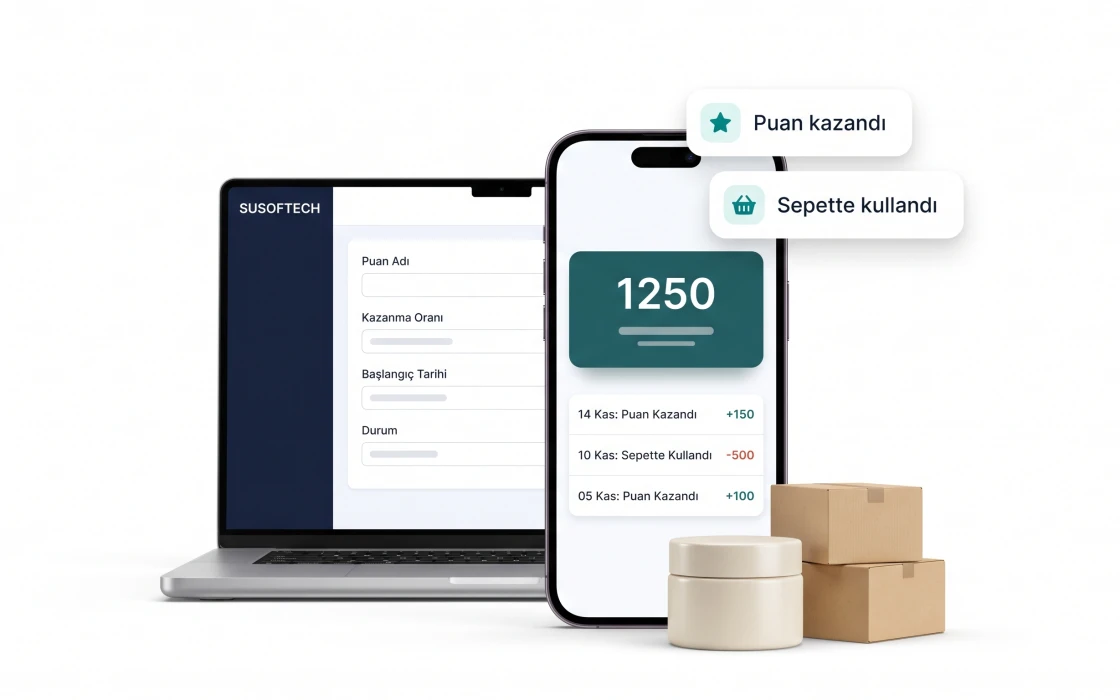
How an automation is set up
Sending a reminder to a customer who abandoned their cart takes three steps.
-
Pick a trigger
Abandoned cart, order confirmation, birthday or win-back.
-
Edit the template
Adapt the ready template to your brand colours and add variables.
-
Set the timing
Decide how many hours later and how many times it sends.
-
Publish
The flow goes live and you follow delivery logs in the panel.