Report
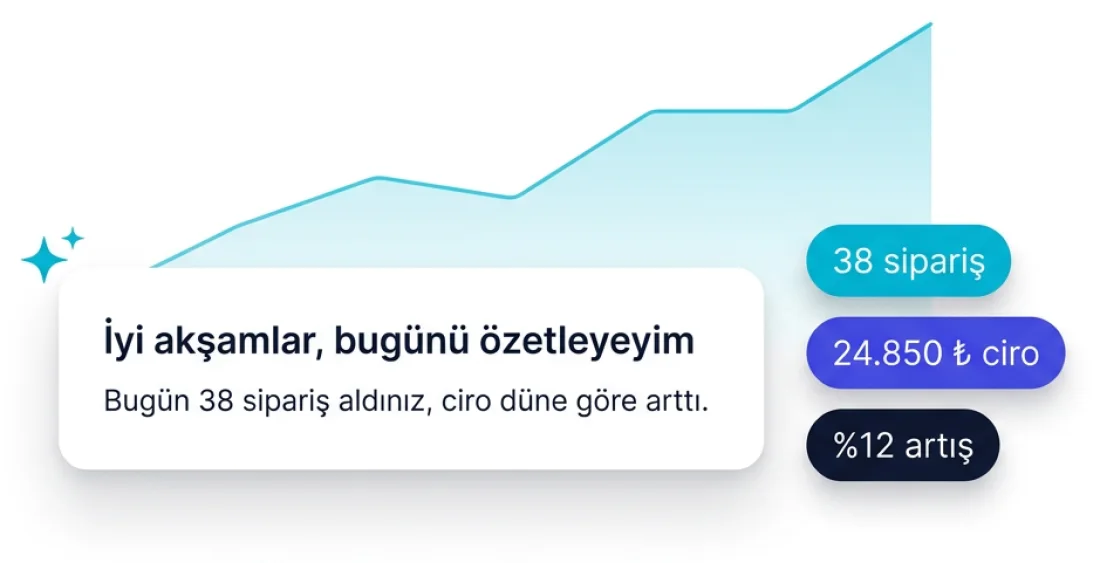
Sums the day up in one sentence
How many orders, how revenue compares with yesterday, which product stood out — you ask instead of opening reports and setting filters. It answers from your live store data.


The assistant sitting in your panel does more than give directions: it reads the report, orders the work and drafts the setup.
Report
How many orders, how revenue compares with yesterday, which product stood out — you ask instead of opening reports and setting filters. It answers from your live store data.
Action
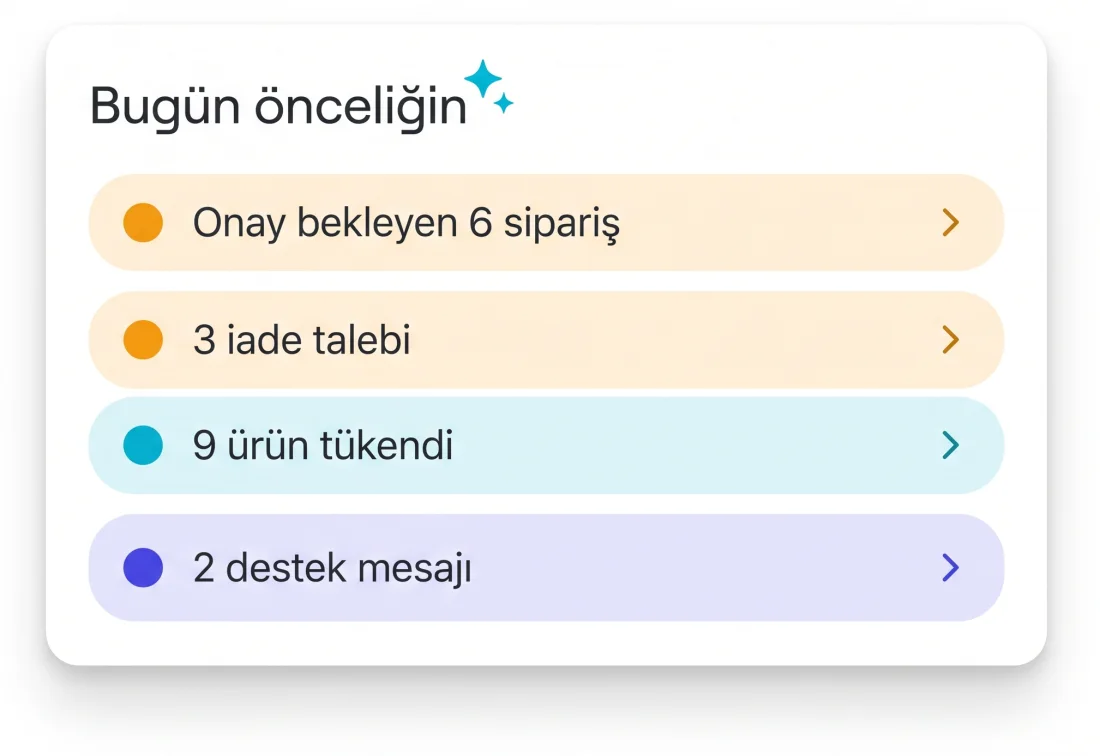
Ask “what should I handle today?” and it lines up orders awaiting approval, return requests, out-of-stock products and unanswered messages in priority order.
Automation
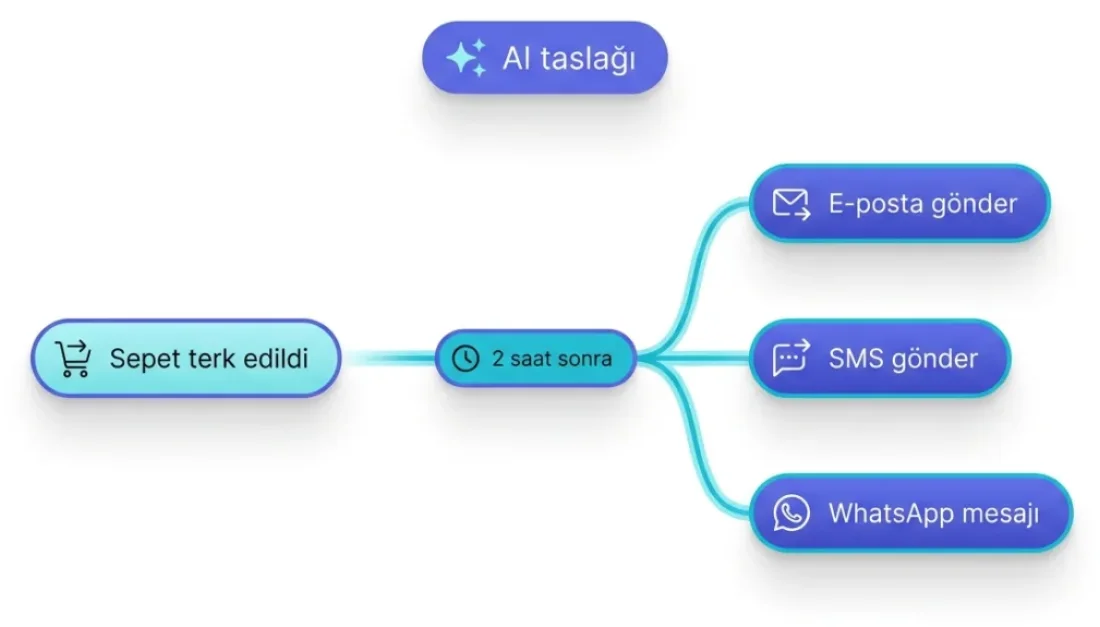
Describe what should happen when a cart is abandoned; it drafts the trigger, the delay and the email, SMS and WhatsApp steps. You are the one who approves it.
Campaign
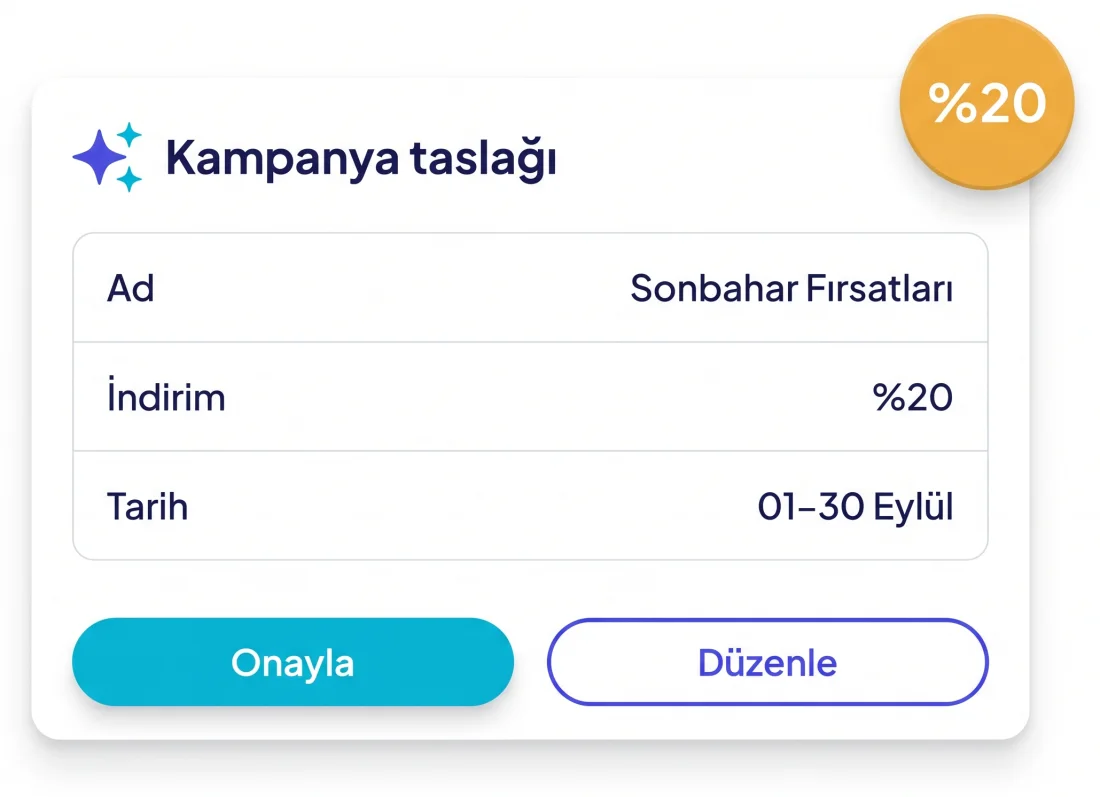
It brings you the campaign name, discount rate and date range already filled in. You do not have to think of a name — it suggests one, and you can change it.
Content
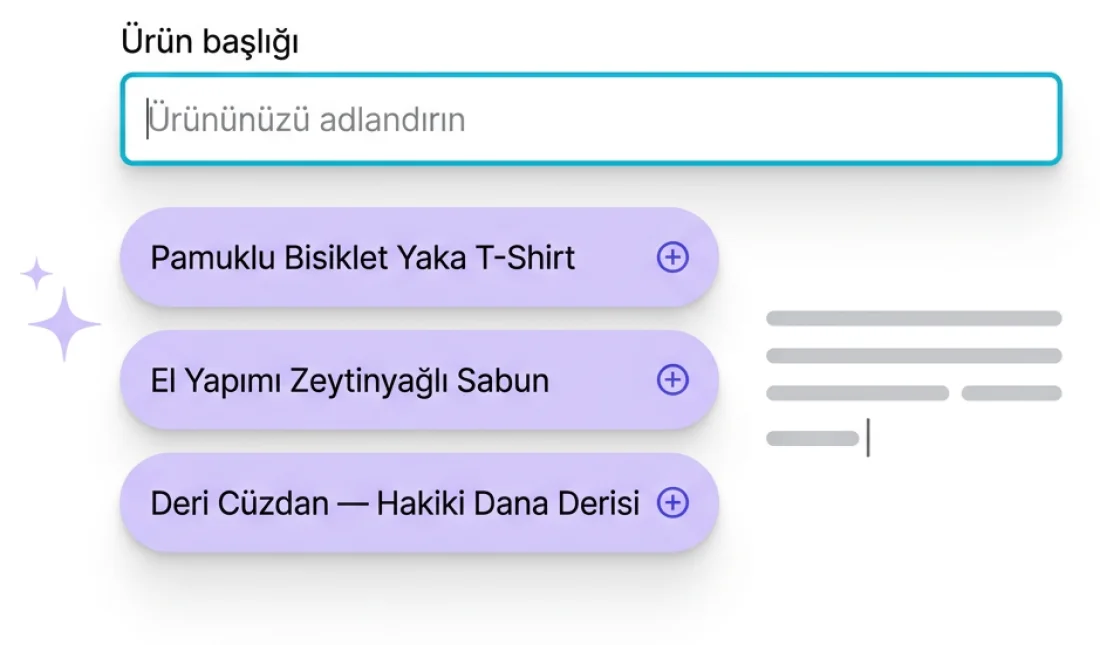
It offers a few options for an empty product title field and writes the description too. It does the same for SEO titles and meta descriptions.
Pages and blog
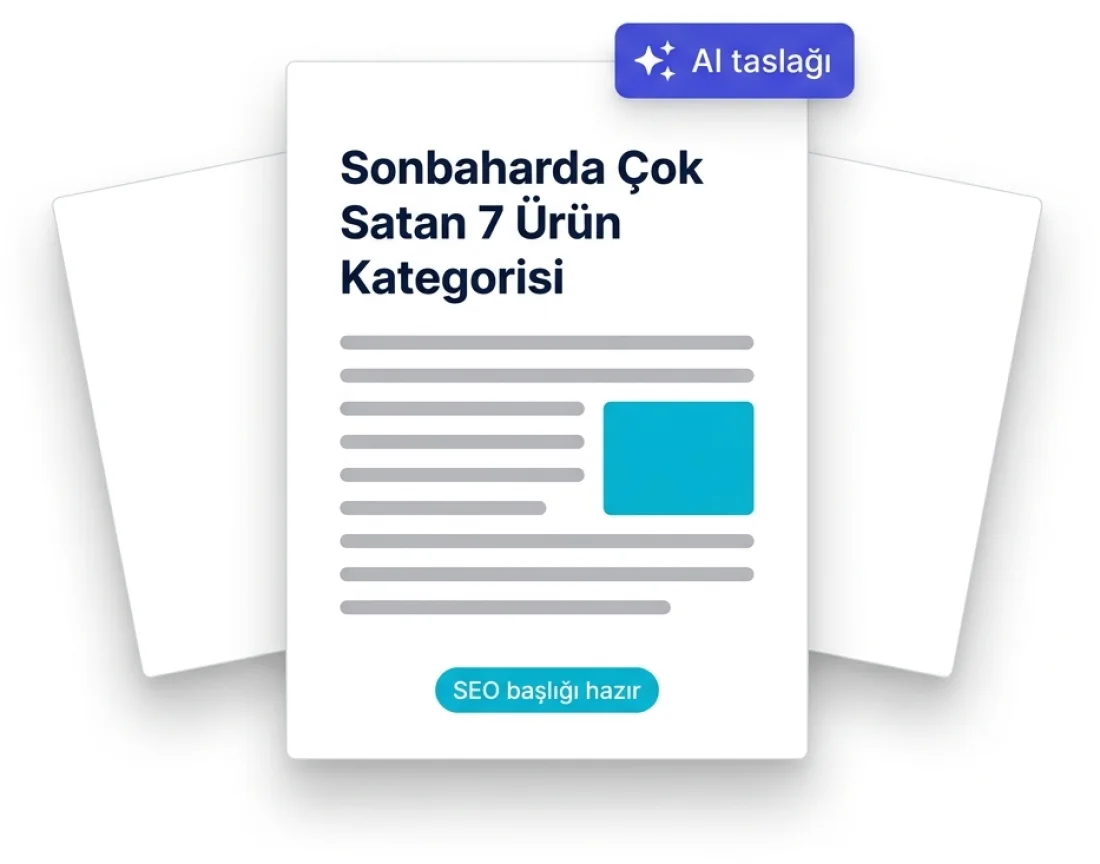
It drafts blog posts. It also scans your page list, tells you what is missing — privacy, return policy — and drafts those too if you want.
The job itself usually takes two minutes; finding where to do it takes half a day.

A two-minute job should not cost you half a day
On every plan Free included, at no extra cost
Getting lost in menus
Hunting for a setting without knowing which heading it sits under eats time.
Waiting on support
A ticket opened for a simple question joins the queue and is answered hours later.
Half-finished setups
Miss one step and the campaign or automation never actually runs.

The AI Assistant is on every screen in the panel and you ask in plain language.
1- Say what you want
“I want to edit my theme” is enough — no technical wording needed.
2- Get the steps in order
Which screen, which field, which order — written out so nothing is skipped.
3- Jump there in one click
Follow the link under the answer and the right screen opens.
4- It drafts content too
If you need a campaign name, an email body or a product description, it drafts one.
The learning curve shortens and everyone on the team does the same job the same way.
Move without waiting
No tickets for the easy things; the job is done on the spot.
New teammates get productive fast
Someone new to the panel can ship work on day one.
No missing steps
The whole setup is listed, so no campaign is left half-built.
Same help on every screen
Products, campaigns, shipping — you ask from the same place wherever you are.
Open your free store and finish the first setup by asking the AI Assistant.
SU Customer Representative
Hello, I am SU. I am here to help — you can ask me anything.
You are chatting with SU
During working hours we usually reply within a few minutes.
Hello! Write your question and our team will answer here.
Your cookie preference
We use cookies that are strictly necessary for the site to work. Analytics and marketing cookies are only enabled if you agree. See our Cookie Policy and Privacy Policy.