Each module removes one kind of work
These are not add-ons bought separately — they are parts of the same panel that work together.

The modules in the panel
Modules are not add-ons bought one by one; they are parts of the same panel working together. What each one does is set out in detail on its own page.
Product and Stock Management
Products, variants, prices and stock live in one source, and a change you make reaches your site and your marketplaces from that same source.
Go to the detail page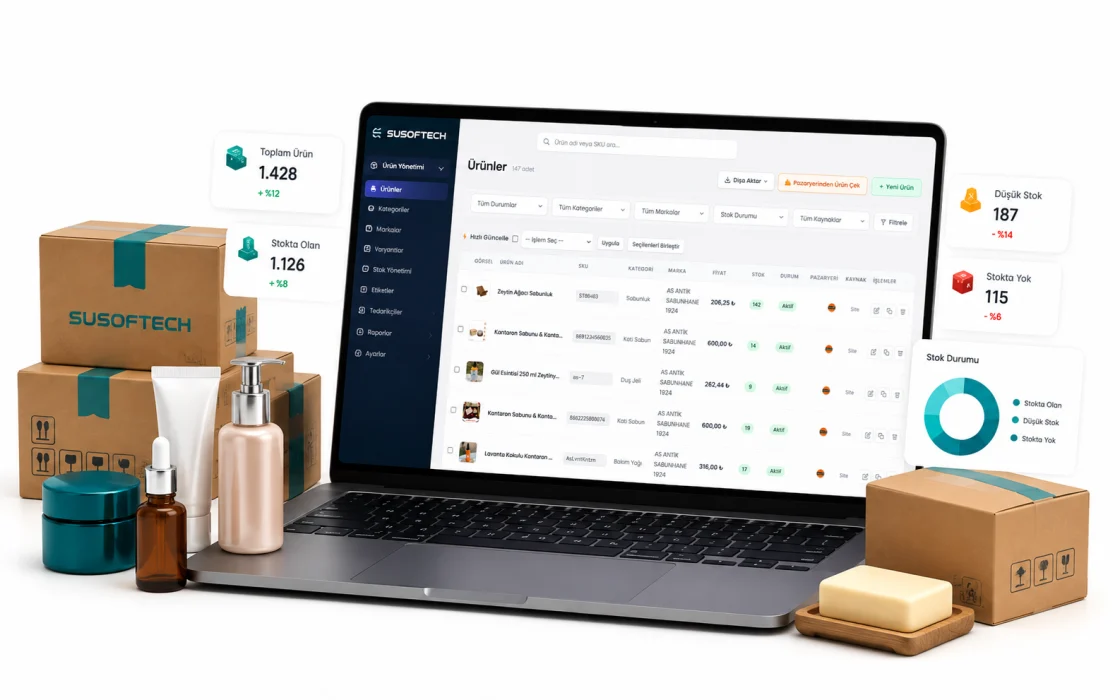
Order Management
Website, shop and marketplace orders collect in one list, statuses move in order and every step is written to the order’s own record.
Go to the detail page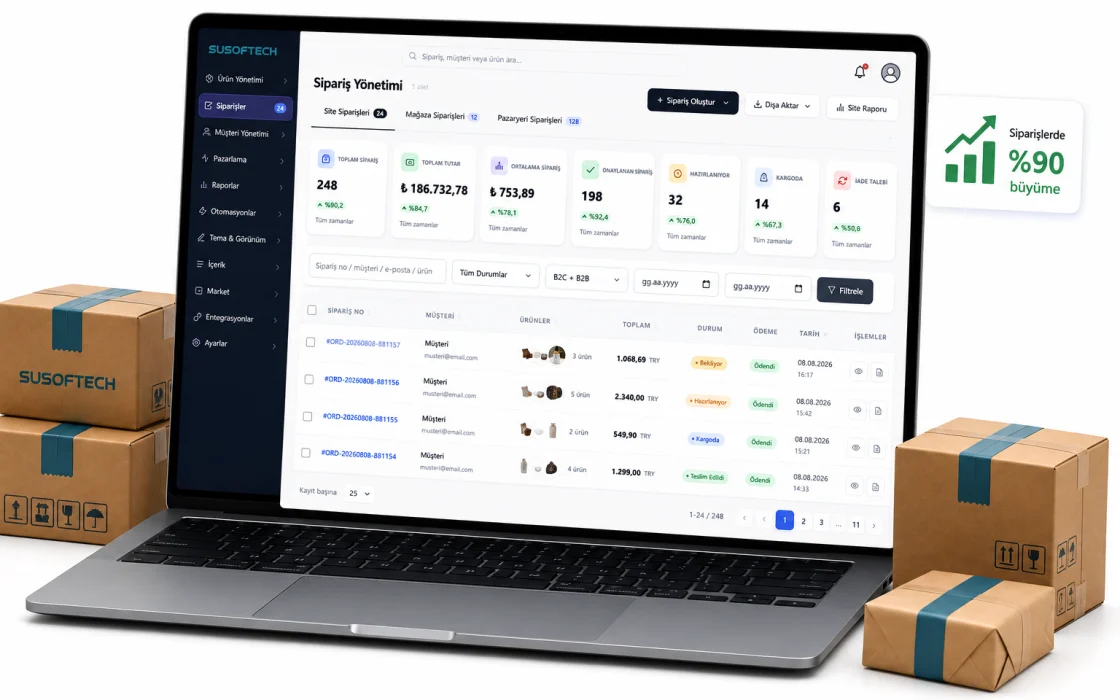
Shipping Integrations
You ship with contracted couriers without negotiating with each one, and the label is ready the moment an order lands.
Go to the detail page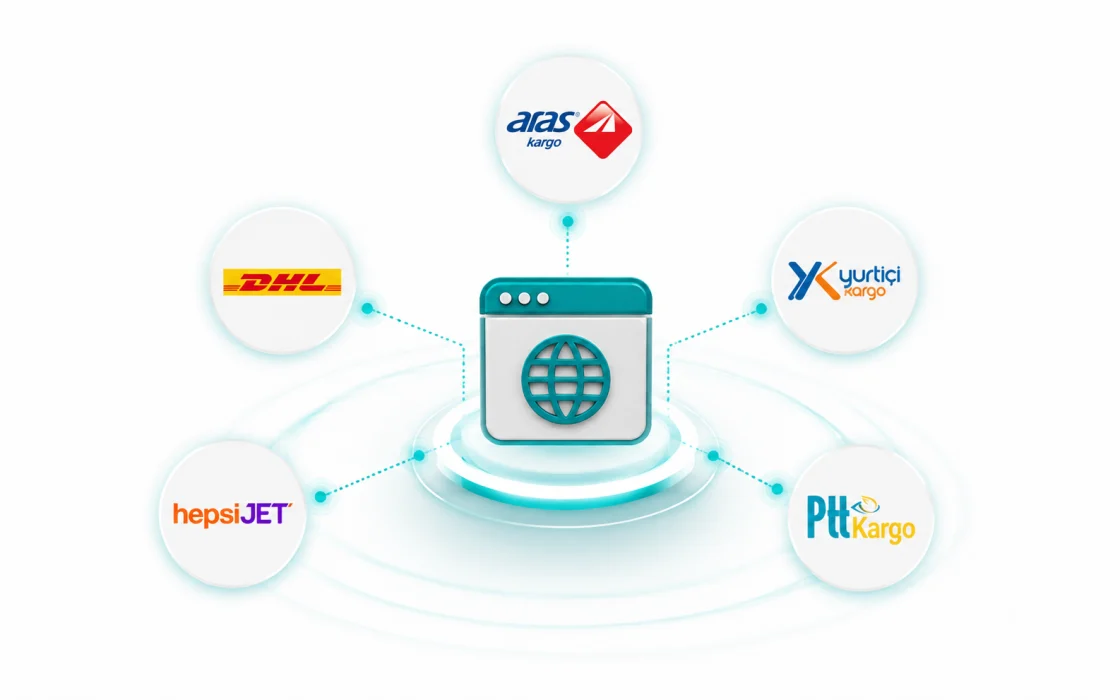
Payment Integrations
Virtual POS, bank transfer, payment on delivery and dealer accounts; each switches on separately and you decide who sees it.
Go to the detail pageMarketplace Integrations
You push products to marketplaces in bulk and feed stock and price from one place, with orders landing in the same list.
Go to the detail page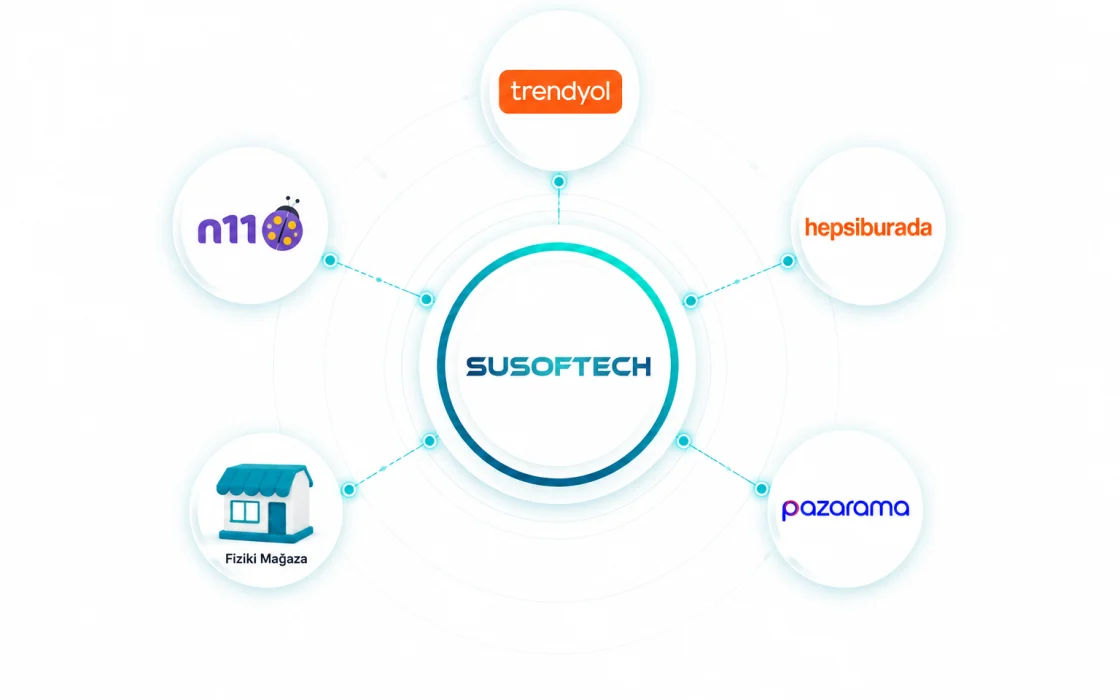
Visual Editor
You change how your site looks by dragging and dropping, with colour, typography and section order updating as you go. No code, no waiting on an agency.
Go to the detail page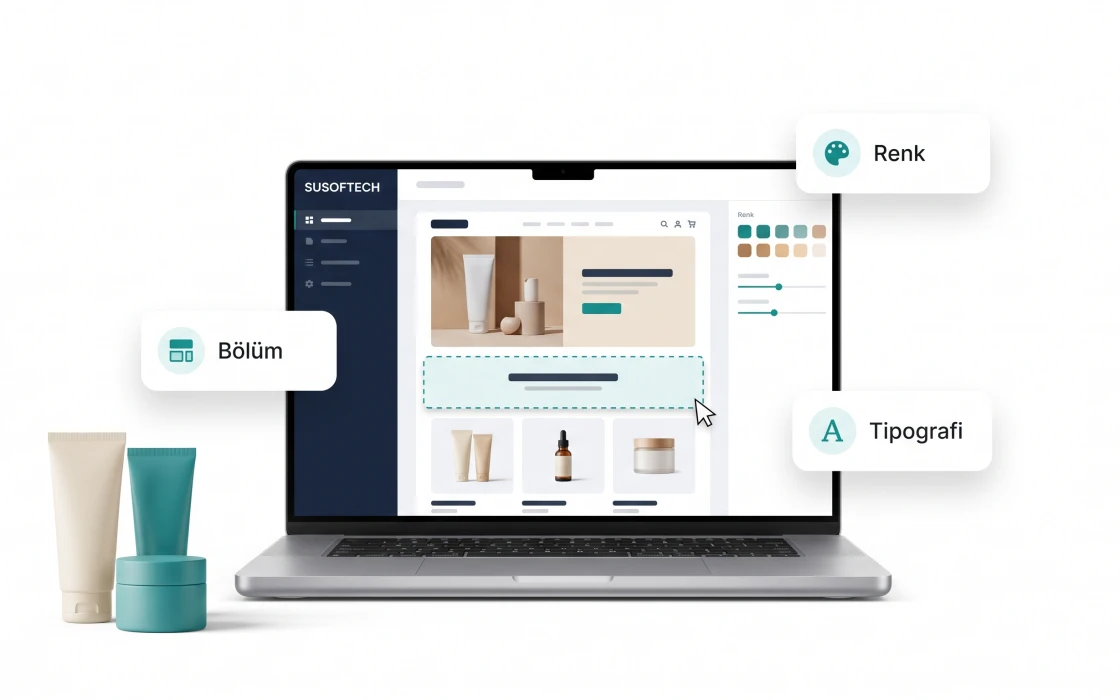
Reporting
Sales, profit, visitors, channels and baskets are each reported separately, and profit is worked out after costs and every discount given.
Go to the detail page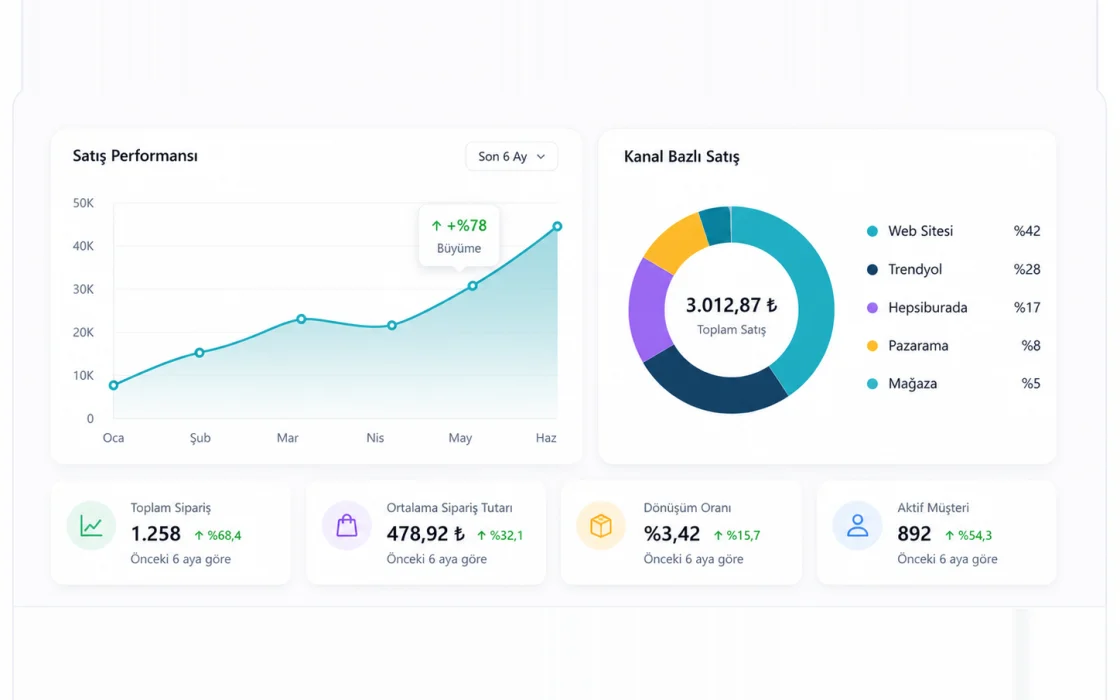
AI Assistant
Instead of hunting for the right screen you ask, and the assistant drafts, fills fields or takes you there. Approval always stays with you.
Go to the detail page
SEO Tools
Title and description templates, the sitemap, automatic redirects when an address changes and structured data — the panel takes on the search-engine work.
Go to the detail page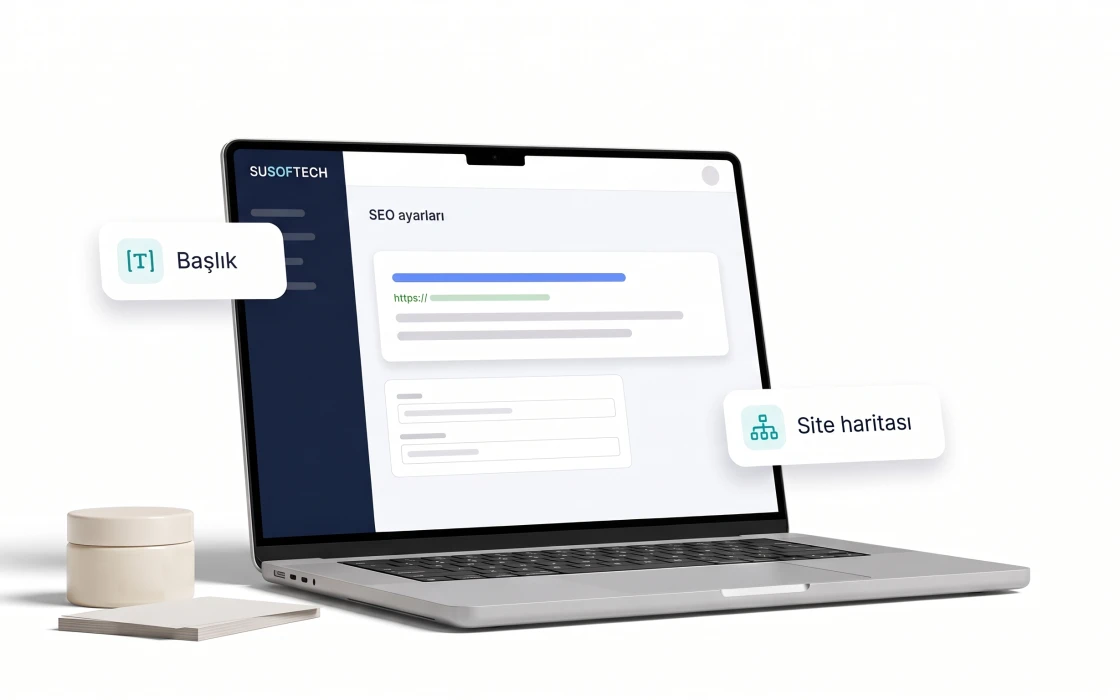
Email, SMS and WhatsApp Automations
A reminder to someone who left a basket, a notice to someone whose order arrived — one flow, three channels. Sends, opens and clicks are counted in the panel.
Go to the detail page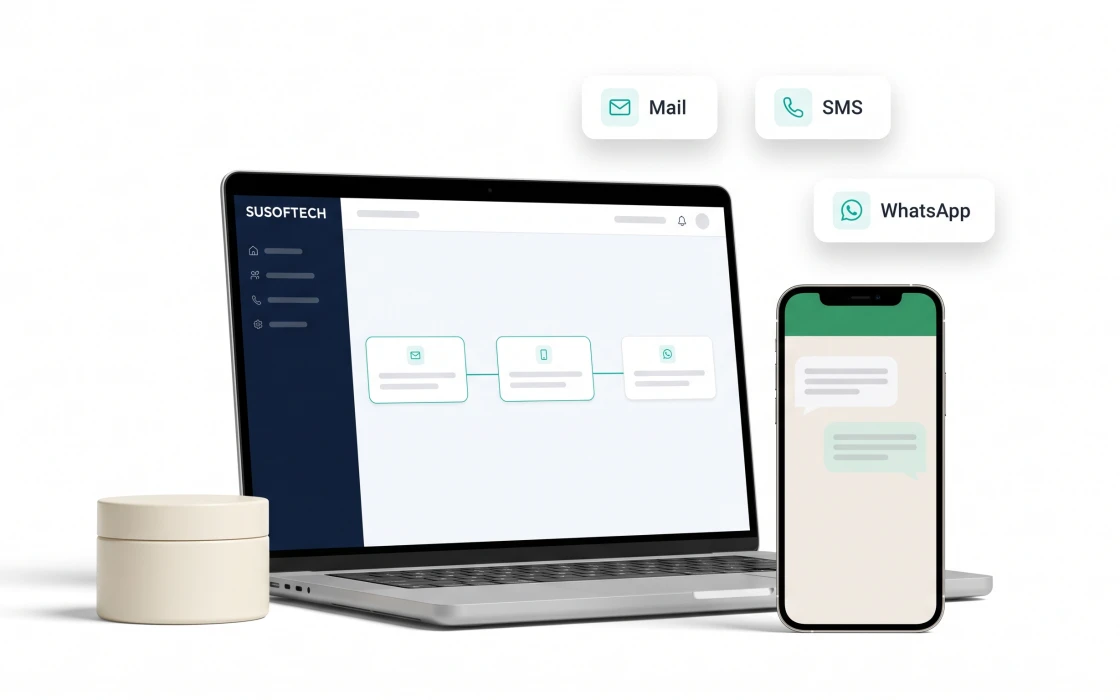
Campaign and Coupon Tools
You build the discount, coupon and gift setups yourself; campaign and coupon each drop as their own basket line, and what each one cost is recorded.
Go to the detail page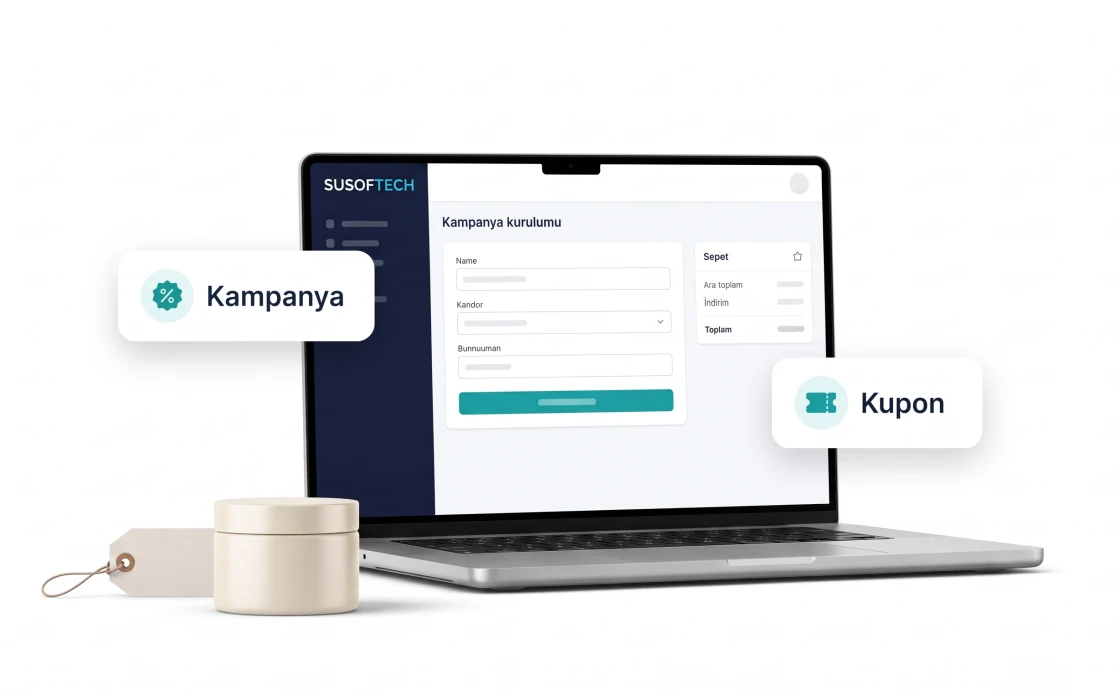
Upsell and Cross-sell
A complementary product or a higher model appears next to what is already in the basket. How often the offer was shown and accepted is counted separately.
Go to the detail page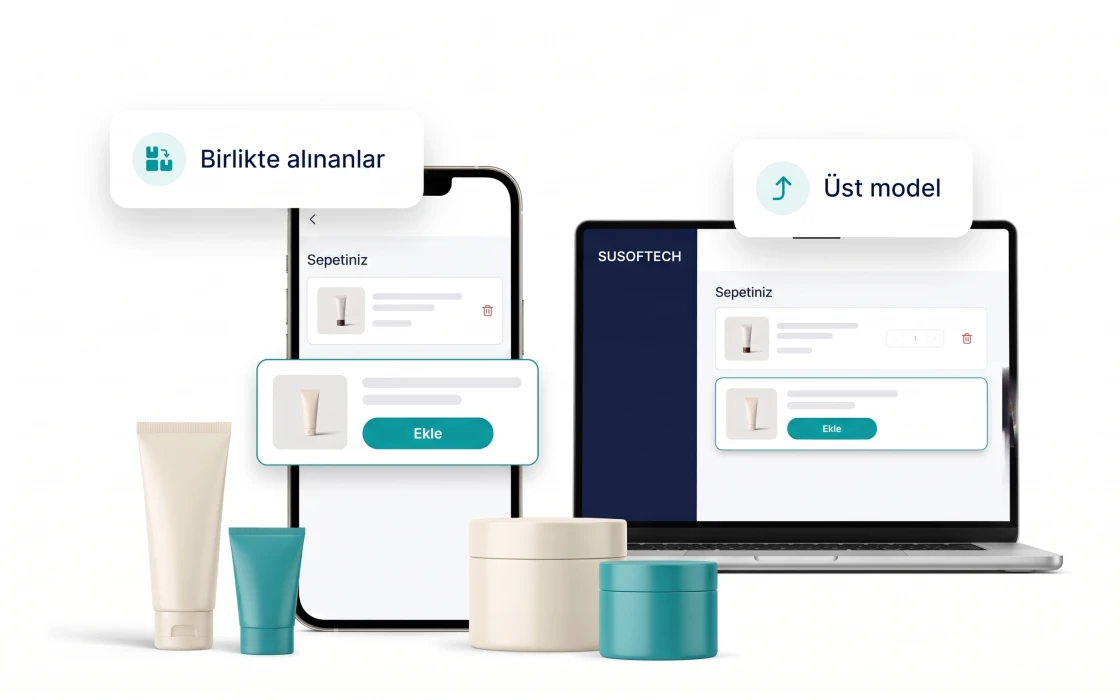
Influencer Partnerships
You open a percentage-based offer from the panel, and whoever accepts gets a code and tracking link automatically. Who brought how many orders and how much revenue is worked out.
Go to the detail page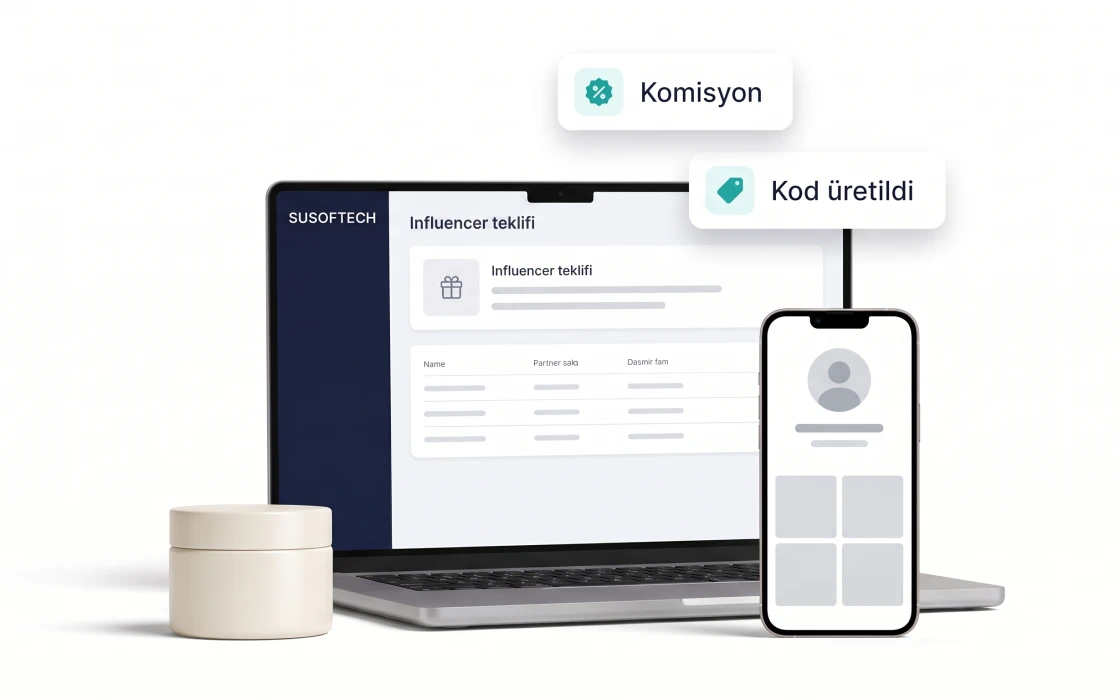
Loyalty Points
A delivered order earns the customer points that can only be spent with you, within the window you set. The cost of that discount reaches the profit report.
Go to the detail page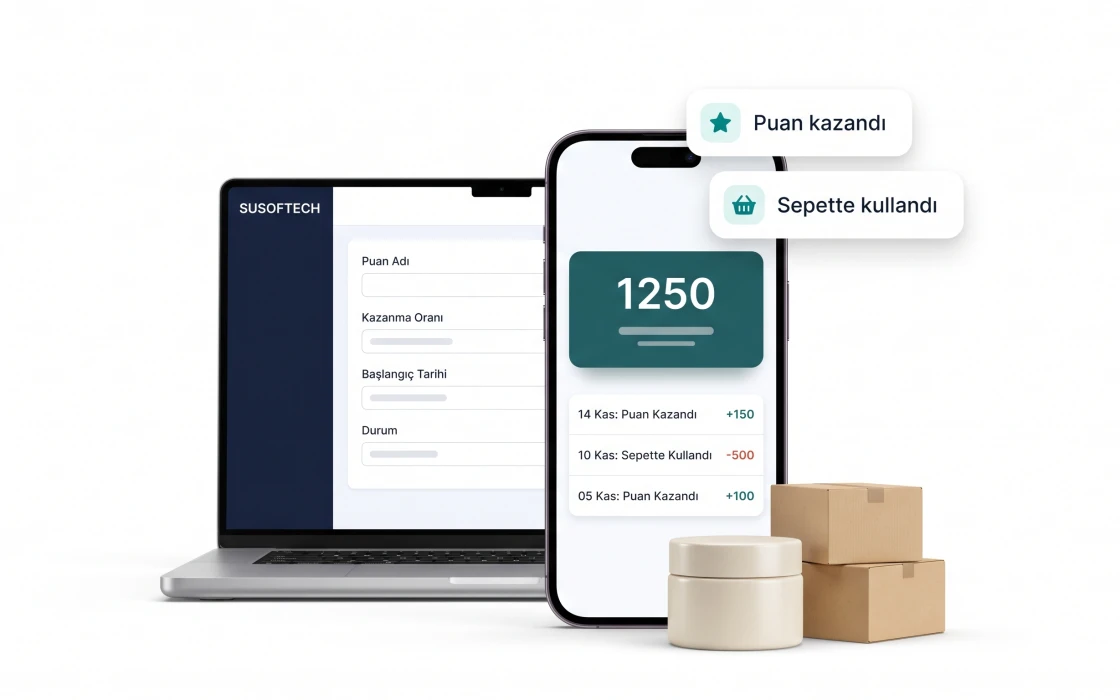
E-Invoice Integration
Issue the invoice from the order screen, follow its status and open the PDF once approved.
Go to the detail pageXML Integrations
Connect a supplier feed; the import rehearses first and a broken file cannot wipe the catalogue.
Go to the detail pageAPI and Webhooks
Let your own software read the product, order and stock endpoints, and be told when things change.
Go to the detail pageAccounting / ERP
A ready connection for Paraşüt; the API and file exports for everything else.
Go to the detail pagePopups and Newsletter
Set up an announcement popup with its timing and collect newsletter sign-ups in one list.
Go to the detail pageBüyüdüğünüzde ihtiyacınız olacak her şey hazır
Bugün kullanmasanız da sistem sizinle birlikte büyür. Yeni bir altyapıya geçmeniz gerekmez.
Bu özelliklerin bir kısmı Plus ve Platinum paketlerde açılır. Hangisinin size uygun olduğunu birlikte belirleyebiliriz.