Process
Digitising processes
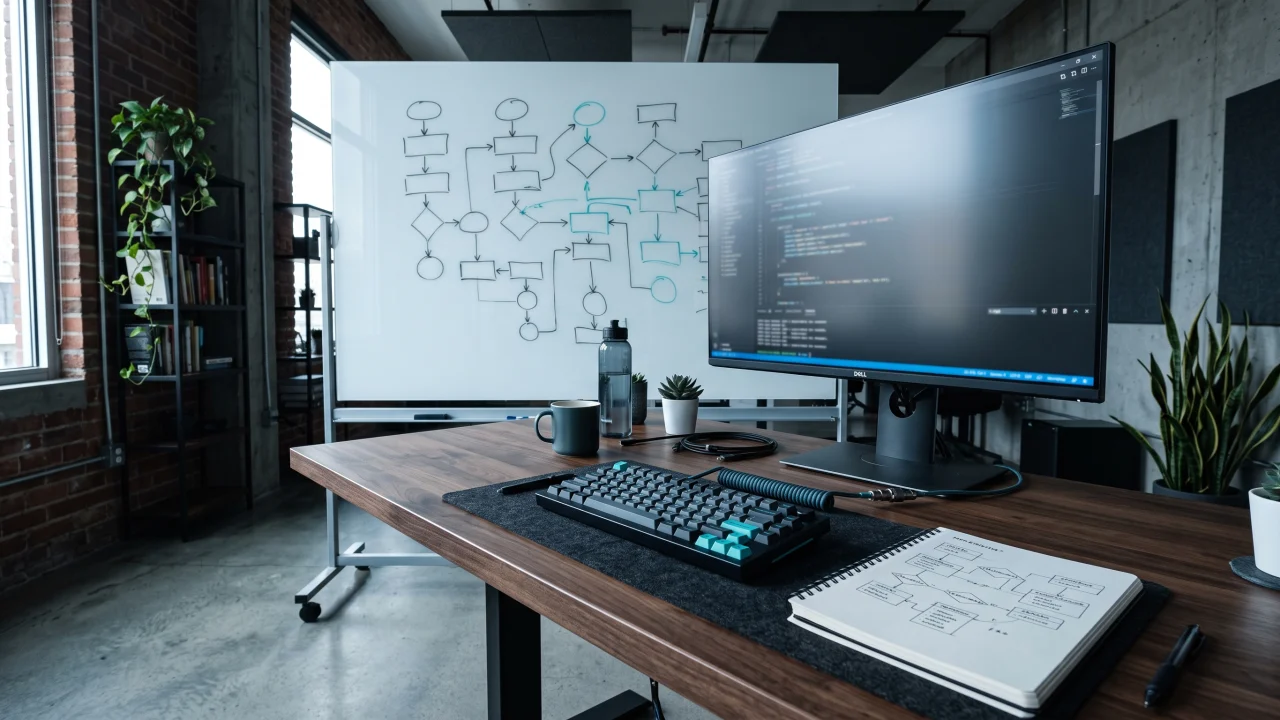
Work that runs on paper or spreadsheets is mapped first, then moved into software. The aim is not to copy the current mess onto a screen but to simplify the flow and hold it in one place.
The process moves into software
Custom software is not one screen but a system: the process comes in, passes through the application and branches into an admin panel, a dashboard and reporting.
The diagram shows what connects to what; not every project needs all three branches. Scope and duration are set after the process is discussed in a first call.
Get a quoteWhen an off-the-shelf system does not cover the job, we build from scratch. These four headings contain the full scope listed on this page.
Process
Work that runs on paper or spreadsheets is mapped first, then moved into software. The aim is not to copy the current mess onto a screen but to simplify the flow and hold it in one place.
The process moves into software
Panel
The interface where you manage your own data is built: menu, lists, filters and actions designed around the actual flow of the work. No screen is written that you will not use.
Admin panel
Dashboard
Summary and indicators are gathered on one screen; the state of field work is visible without opening a report. Which indicator sits on top is decided per business.
Dashboard
Reporting
Data sitting in different places is collected into one structure and becomes reportable. Small company-specific digital tools are built on top of that structure.
From data to report
A short introductory call to hear where you are.
SU Customer Representative
Hello, I am SU. I am here to help — you can ask me anything.
You are chatting with SU
During working hours we usually reply within a few minutes.
Hello! Write your question and our team will answer here.
Your cookie preference
We use cookies that are strictly necessary for the site to work. Analytics and marketing cookies are only enabled if you agree. See our Cookie Policy and Privacy Policy.